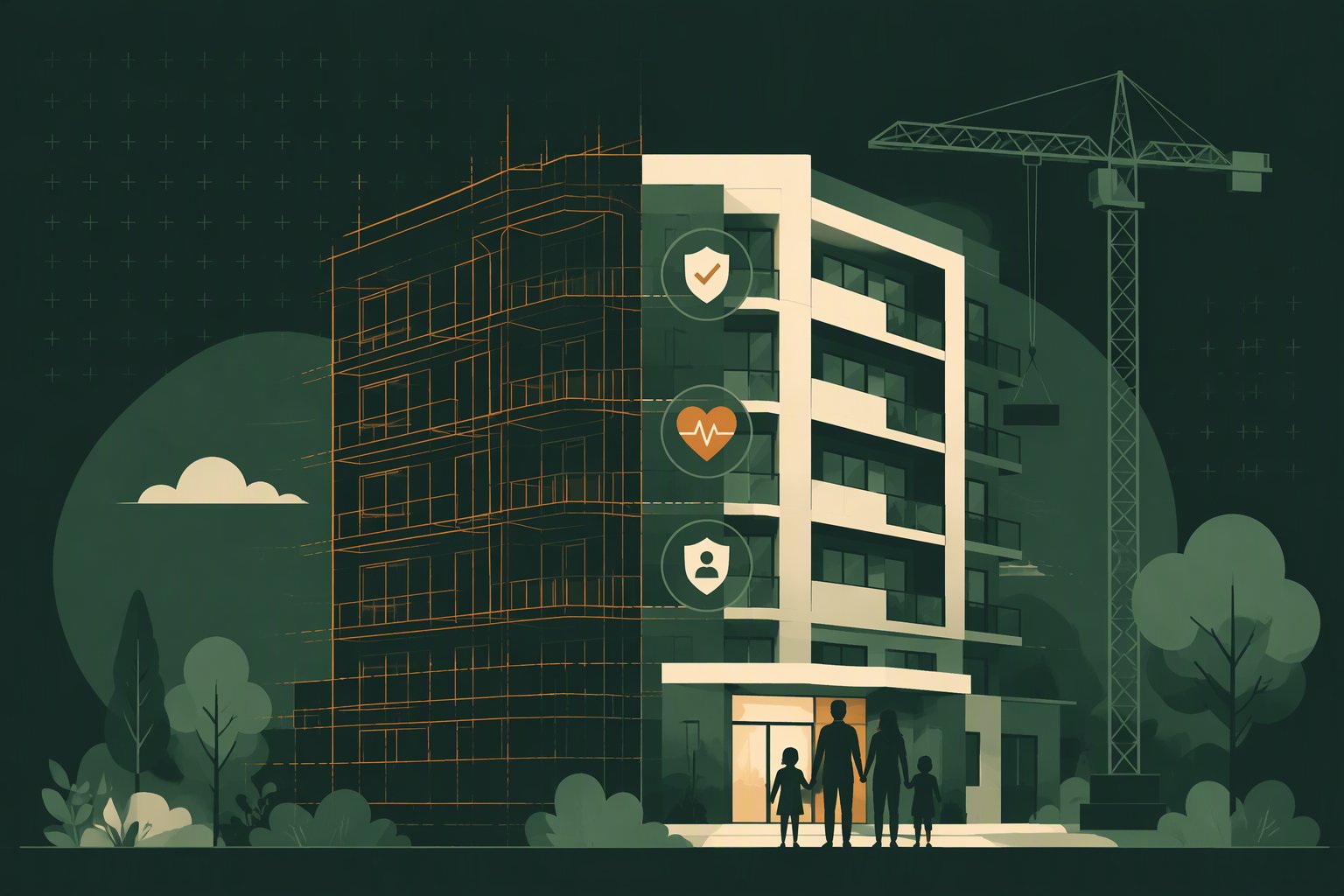
The problem
Two people have to be convinced, and only one of them visits the site
What the project carries
Every brochure in the city lists the same amenities.
Clubhouse, gym, smart home, EV points. When nothing separates two projects, the conversation moves to price and stays there.
The parents decide the sale, and they are not at the site visit.
A couple buying a three-bedroom is usually buying it for four generations. The question "will this work for my mother?" is asked at home, after you have left the room.
Your sales team has nothing concrete to answer with.
Grab bars and a ramp are a start, not an answer. "What happens if she falls when nobody is home?" currently has no reply that survives follow-up.
After handover it is somebody else’s building.
The association inherits a tower with no emergency capability. The first bad night becomes a story about your project name, not theirs.
Retrofitting later is ugly, disruptive and expensive.
Drilling into finished walls, trunking across a painted lobby, and a resident vote before anything can be touched. Done at construction, none of that exists.
What the buyer’s family is weighing
A new tower is full of strangers for the first two years.
Low occupancy, neighbours nobody knows yet, corridors that are empty at 3 PM. The informal help an old neighbourhood provides simply is not there yet.
The parents are alone all day in an unfamiliar flat.
Children at work, domestic help not yet arranged, and a layout they have not learned. The bathroom is where it happens, and the phone is in the bedroom.
The guards are new to the building too.
A fresh site, a fresh contract, a roster that changes. Nobody at the gate knows which flat holds an elder living alone.
The son is in Dubai and will not be at the housewarming.
He is paying for part of the flat and he is the one asking what happens on a bad night. Today the honest answer from a sales desk is "the association can look at it later".
The solution
What goes into the project
eCare supplies the hardware and the technology. You decide where it goes — nobody knows the quiet corners of your project better than the people who drew it.
What a resident gets
The first five minutes, in a flat you built
- 0:00
A button is pressed in the flat
Bedroom or bathroom — wherever it was fitted before handover, within reach of where a fall actually happens.
- 0:05
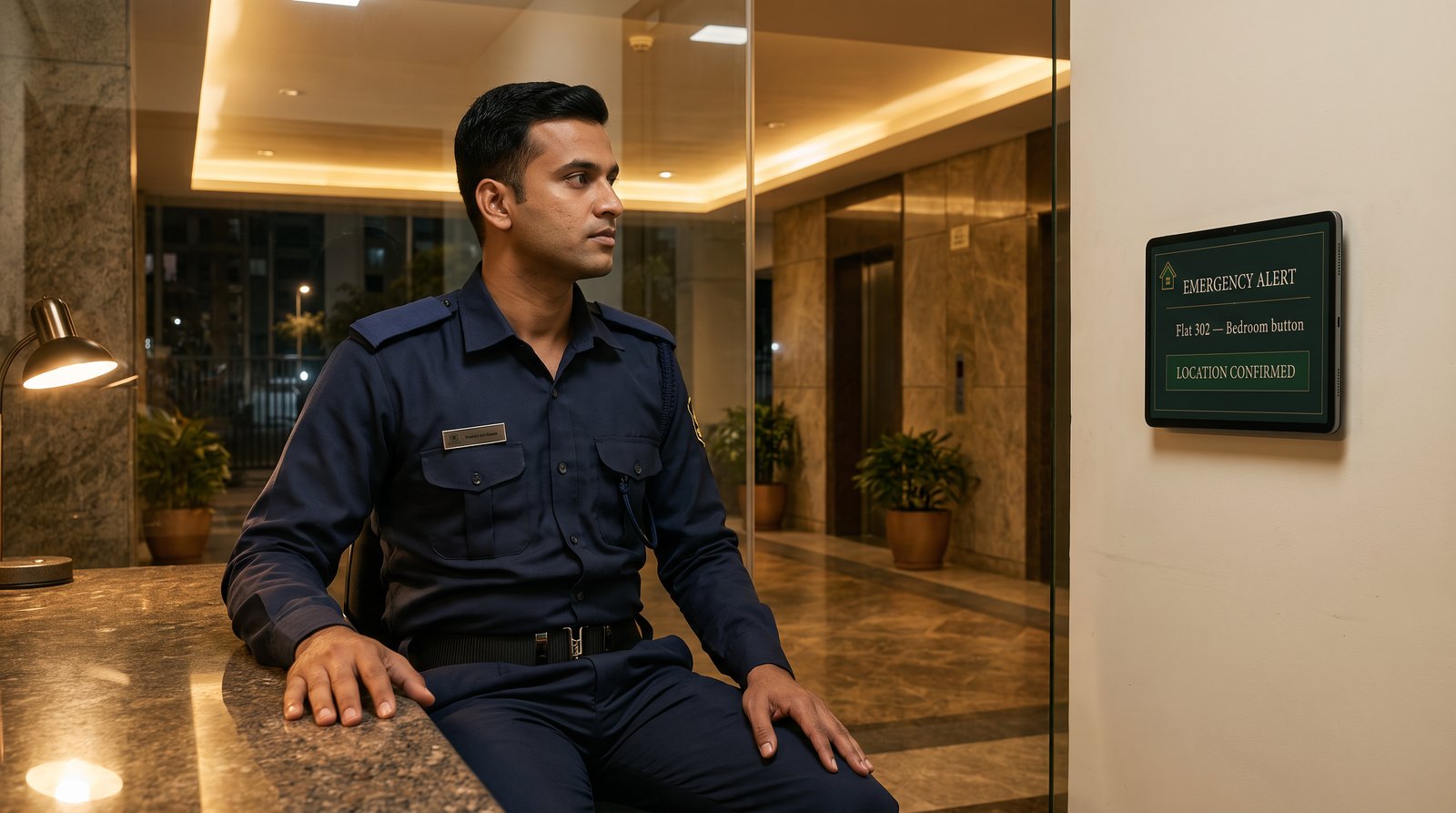
The block desk screen alarms
Flat number and location on screen — typically within five seconds. The alarm sounds until somebody acknowledges it.
- Acknowledged
The block’s duty staff move
One tap stops the alarm and marks the alert in progress. It stays on screen until it is resolved.
- In parallel
The family is informed
The contacts recorded when the flat was registered, so nobody is hunting for a number at 2 AM.
- If needed
Ambulance, with the details it asks for
Which gate, which tower, lift access. Pre-registered when the block went live.
The alarm repeats every 30 seconds until the alert is resolved, so an unacknowledged alert does not fall quiet at the desk.
Your advantage
Built in, not bolted on later
An association retrofitting this into a lived-in building argues about drilling, budgets and votes for a year. You can simply draw it in.
At the block desk
What your sales team can show a buyer
Not a brochure claim. A screen a family can stand in front of during a site visit, while someone presses a button upstairs.
- Typically on screen within five seconds of the press, with an audible alarm.
- Full alarm for the first ten minutes, then a chirp every 30 seconds until the alert is resolved.
- Acknowledging stops the sound but keeps the alert on screen as in progress, so the desk never shows all clear while someone is still on their way.
Said plainly
What this is — and what it is not
It is not medical care. Nobody on this system diagnoses or treats. Whoever responds reaches the flat, opens the way, informs the family and escalates to an ambulance.
It is not a promise of an outcome. Buttons, networks and people can fail. The protocol exists so a failure at one step is caught at the next, and so what happened is on record either way.
It does not make a project certified. No Indian standard certifies a residential project as elder-safe. What you can say is exactly what is installed and working — which is checkable, and stronger than a claim nobody can verify.
A buyer can verify a button on a wall and a screen at a desk. That is why it sells.
Before it goes into the specification
Questions developers ask
- When does a button inside a flat start working?
- When the family moves in and their home internet is connected. The building’s broadband carries the common-area points and the block desks, so those are live from the day the block opens, but a call point inside a flat needs that home’s own connection. We register the flat and activate its buttons at that point, along with the family’s emergency contacts. This matters for how the project is advertised: the honest line is that every flat is fitted, and activated on occupancy — not that every flat is live on handover day. We will help your sales team word it so nobody is promised something that is not yet true. For the few weeks between taking the keys and getting a connection, a family who wants cover straight away can rent a SIM-based button through you or, later, through the association — it needs only mobile coverage and works the day it is handed over.
- Can we market the project as elderly-safety compliant?
- We would advise against that exact word, and we will not put it in your material. There is no Indian standard a general residential project can be certified against, so "compliant" invites the question "with what?" — and there is no answer. What is defensible, and sells just as well, is the specific: every flat fitted with emergency call points, a response screen at each block, and common-area coverage. Senior and retirement housing is a different matter — MoHUA issued Model Guidelines in 2019 and MahaRERA has begun regulating retirement projects — so if any part of your project is positioned for seniors, expect that scrutiny and build for it now.
- Which network carries what, and what happens in an outage?
- Common-area call points and the block desks run on the building’s own broadband, which is yours to provide — and coverage into lift lobbies, basements and podium areas belongs in the network plan, not in a patch afterwards. Call points inside a flat use that home’s own connection once the family has one. We will not pretend the dependency away: an alert needs a network, and the desk screen needs power. Our recommendation is that each block desk and its router sit on the same backup power as the rest of the security installation, and we walk the drawings with you so all of this is settled before anything is built.
- Who pays the running cost, and how is it worked out?
- You buy the equipment once. The running cost — software, support and upkeep — is monthly, and it is counted on what is actually switched on: the common-area points and block desks from the day a block opens, and each flat from the month it is occupied and activated with the family’s own connection. A flat that is sold but empty is not billed at all, however long it stays that way, so an unsold or investor-held tower costs almost nothing to carry. You hold that cost through the first year while your own facility team runs the desks; from the second year it passes to the association along with the rest of the handover. We deal with the association directly from that point, so it is not left as a loose end on your list.
- What if a buyer does not want it in their flat?
- Nothing is forced. A button is a call point on a wall; if a family never presses it, it costs them nothing and sits quietly. Flats are registered to the system only when the family wants to be reachable, and in-flat sensors are fitted only on request.
- Is anyone being watched?
- No cameras and no microphones, anywhere in this system. The desk screen carries emergency alerts only — a help request or a fall — and shows a resident’s details only while an alert for that flat is live. On a quiet night there is nothing on the screen to browse.
- How much of this do we have to manage?
- The hardware and the technology are ours. Your side is what you already do: the drawings, the network, the positions and the handover. We survey, install, register and support.
How it starts
- 1Walk the drawings with usButton positions per flat type, the desk position for each block, common-area points and what the Wi-Fi plan has to cover.
- 2One block, or the show flatFitted and running so your sales team can demonstrate it rather than describe it, and so you see the real thing before it goes project-wide.
- 3Fitted before possession, handed over workingFlats registered with the keys, the block desk live, and the association picking the running cost up from there.
Earlier is cheaper. Positions on a drawing cost nothing; the same positions in a finished building cost a contractor, a resident vote and a repainted lobby.
Your facility team runs the block desks through the first year. From the second, they pass to the association with the rest of the handover.
What eCare supplies and supports, and what the developer is responsible for, are set out in the supply agreement, read together with our terms of service.
eCare is a service operated by Solocubes Tech Private Limited