If an emergency happens on your watch tonight, can you prove your guard responded?
Apartment contracts are won on a few hundred rupees a month. Emergency response capability, with a record behind it, is the line your competitor's deck does not have — and it makes your guards' job easier, not heavier.
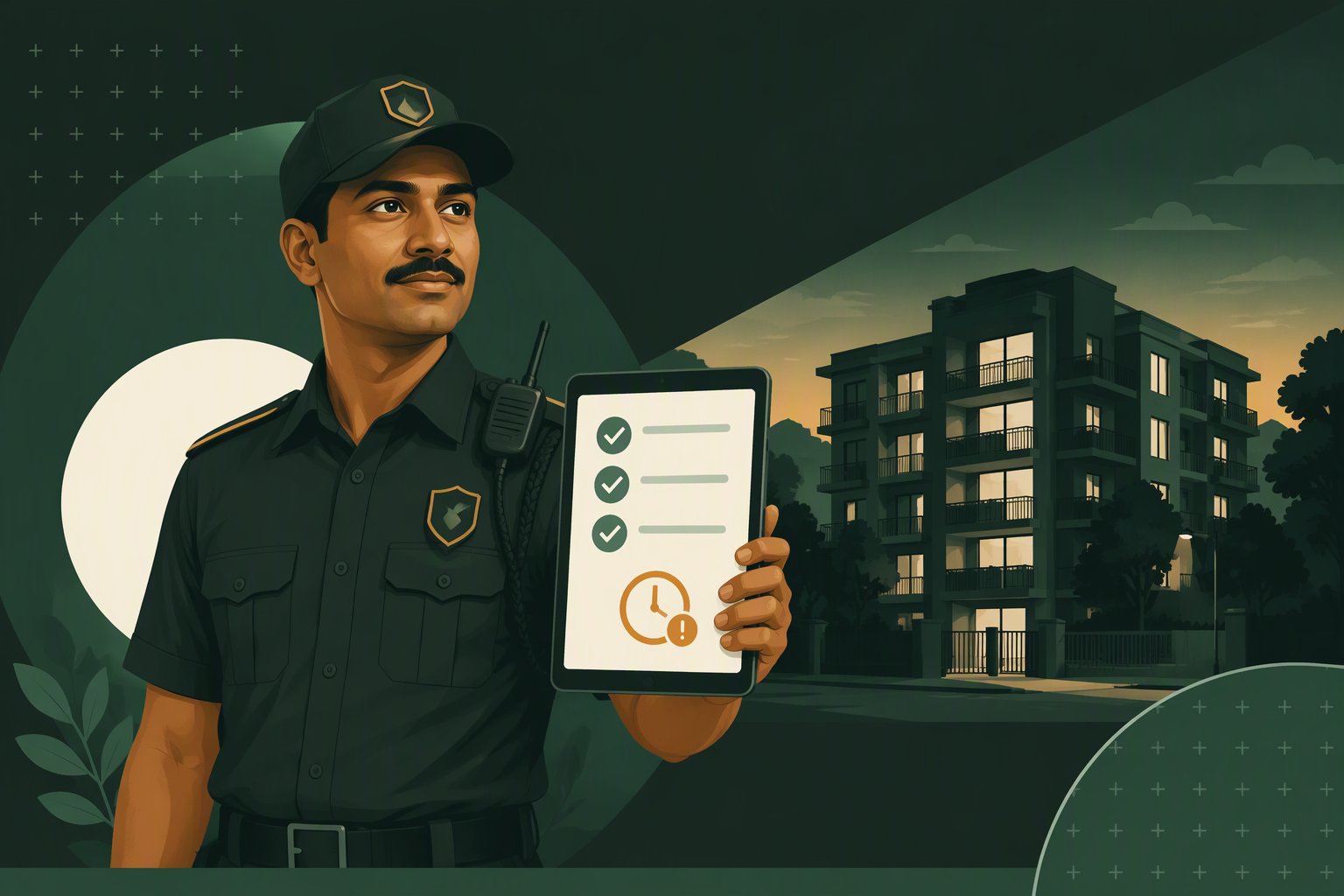
The problem
The contract cycle every agency owner knows
It squeezes you from two sides at once — in the tender, and at 2 AM on the gate.
What it costs the business
The tender comes down to a few hundred rupees a month.
Same guards, same deck, same promises. The lowest number wins, and loyalty lasts one cycle.
Twelve months later you are bidding for work you already do.
Nothing you delivered in that year makes you harder to replace than the agency bidding against you.
Your revenue is headcount. Full stop.
Margin is capped by manpower arbitrage. No service line bills beyond the number of bodies on site.
"Security didn’t respond." Now prove otherwise.
It is the default accusation after any incident, and without a record it is your supervisor’s word against a committee’s memory.
What it costs the night shift
The knock comes to your guard first, with no details.
Someone is unwell in a flat upstairs. Which flat, who, what happened, whom to call — he is working it out while the person waits.
He cannot leave the gate unmanned.
One man, one post, and a decision nobody trained him to make at 2 AM.
Your supervisor’s phone becomes the control room.
Every incident escalates by phone call, at night, to someone driving between sites.
You rotate a guard and the site knowledge leaves with him.
Whatever the committee explained to the last man is gone. The new one starts from nothing.
What changes
The same night, with your guard on the system
- 0:00
A resident presses the button
A personal button carried by the resident, or a fixed button in a common area.
- 0:05
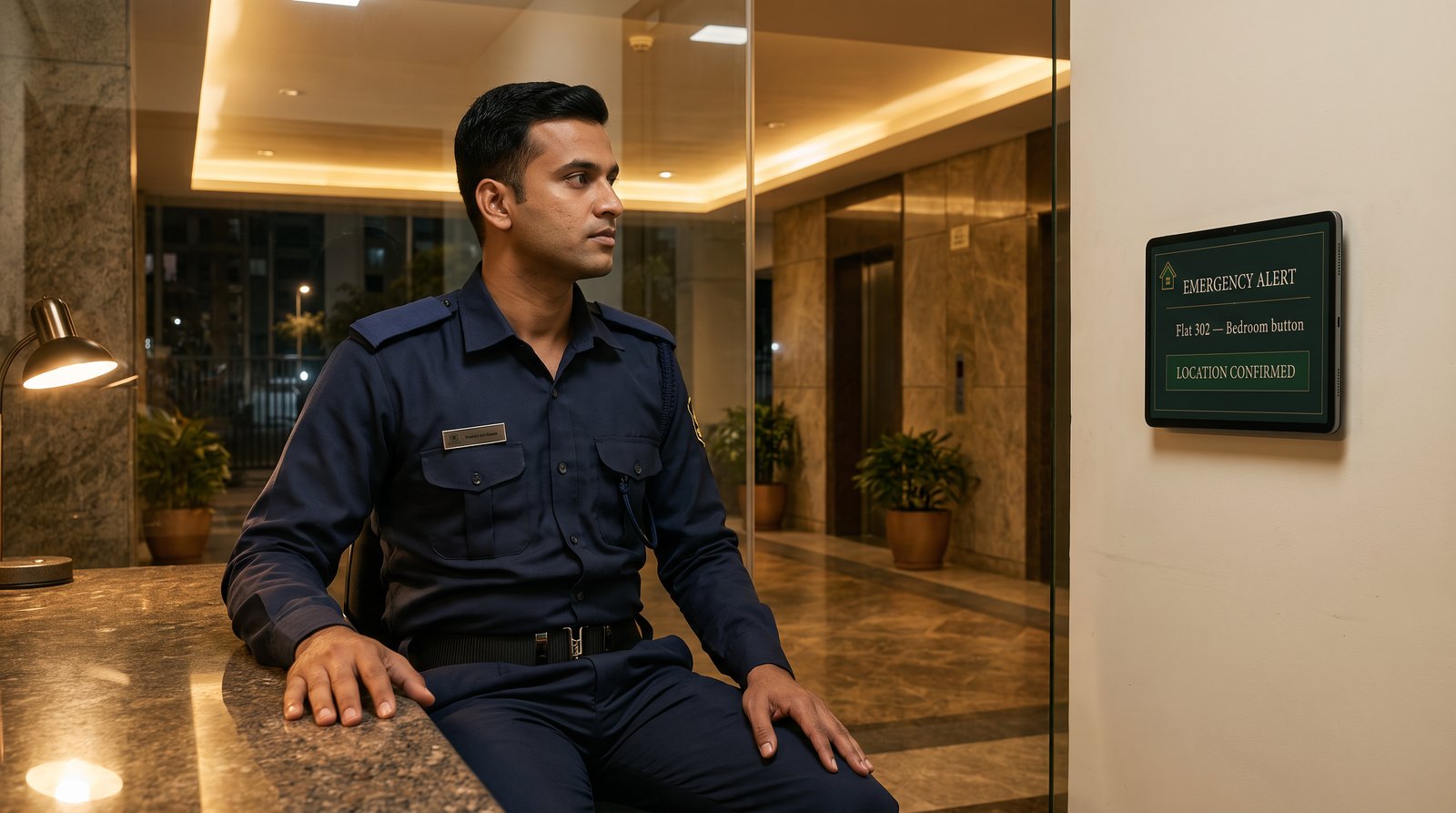
The desk screen alarms
Name, flat and location on screen — typically within five seconds. Your guard is not working out where to go.
- One tap
He acknowledges and moves
The alarm stops, the alert stays on screen as in progress, and the clock on his response starts without anyone writing anything down.
- On screen
The next steps are already written
Whom to inform, which local key holder to raise, which gate to walk the ambulance in through. Procedure, not improvisation.
- Next morning
You have the record
Time pressed, time acknowledged, time resolved. Nobody has to remember the night to account for it.
The alarm repeats every 30 seconds until the alert is resolved, so an unacknowledged alert does not fall quiet at the desk.
For your guards
This takes work off the gate, not on to it
The reason guards improvise is that nobody gave them anything better. One screen at the desk changes that, and it survives every rotation you make.
At the desk
What your man on duty sees
- Typically on screen within five seconds of the press, with an audible alarm.
- Full alarm for the first ten minutes, then a chirp every 30 seconds until the alert is resolved.
- Acknowledging stops the sound but keeps the alert on screen as in progress, so a shift change never hands over a job that looks finished.
- The screen is held awake while the desk page is open, and every press is logged with its time and place.
For your business
Compete on something that is not the price
The arrangement
We supply the technology. You run the service.
Said plainly
What this asks of your guards — and what it does not
Your guard’s duty stays procedural. Reach the flat, confirm, open the way, inform, escalate to an ambulance. Never diagnosis, never treatment. Written down, so nobody can later claim your man was expected to do more.
It is not a promise of an outcome. Buttons, networks and people can fail. The protocol exists so a failure at one step is caught at the next — and so what happened is on record either way.
The community still decides its own rules. Who is called, who holds the key, how a door opens. Agreed with the association before anything is installed, so your guard is never the one improvising it.
A written scope is worth more to an agency than a verbal promise to do anything the committee asks. It tells everyone, in advance, what your guard is there to do.
Before you take it to a client
Questions agency owners ask
- We run thirty sites. Do we get one dashboard for all of them?
- Not today, and we would rather say so than discover it at deployment. Each community runs its own desk screen and its own record. A single supervisor view across every site you serve is the obvious next thing to build, and we would rather build it with a launch partner’s requirements than guess at them.
- Who owns the community relationship?
- You do. The contract with the community is yours, the pricing is yours, and the guards are yours. We supply the equipment and the system behind them, and we support you.
- Does this put our agency on the hook for medical outcomes?
- The protocol is written to keep your guard’s duty procedural — reach, confirm, open the way, inform, escalate. It does not place medical judgement on a security guard, and it is agreed with the association in writing before installation, which is a stronger position than the one most agencies are in today. What each party is responsible for commercially is set out in the agreement, not on a web page.
- What happens if we lose the contract at that community?
- The equipment and the commercial arrangement are between us and you, and we deal with it in the agreement rather than leaving it to the day it happens. Raise it in the first conversation and we will put it in writing.
- If we bring a community, is it protected from you selling to them directly?
- Yes, and the rule is simple. Register a community with us in writing and for 90 days we will not approach that association with this system ourselves. Once it is installed, it stays your account for the term of your contract there. It runs both ways — a community we brought does not become yours because you guard the gate. One thing we say plainly rather than leave to be discovered: this covers the association system. Families who buy an eCare home-care subscription for themselves remain eCare customers, in your communities and everywhere else.
- Can the desk screen carry our branding?
- Yes — co-branded. Your logo is what the community sees on the screen at their gate, with a small "powered by eCare" credit beneath it. The residents should know whose guards are responding, and the committee should know who to call if the system itself has a problem.
- eCare has its own subscribers in a community we serve. What is the arrangement?
- They are residents of the community you guard, so your guard treats them exactly as he treats anyone else there — reach, open the way, inform, escalate. Nothing extra is asked of you and no separate billing arises. What we do settle in writing is the scope: a subscriber’s alerts appear on the desk only where the community agrees, and the screen carries emergency alerts only, never health information, so nothing about anyone’s condition is visible at your desk.
- Is there anything in it for the guard who actually runs up the stairs?
- We think there should be. eCare funds a recognition programme for guards who handle an emergency well — run with you, never behind you, and never as payment for duty you already direct. The record is what makes it possible: your desk logs who acknowledged an alert and how quickly, so recognition rests on what happened rather than on who tells the story best. We ask one thing in return, and only with the person’s consent: permission to tell it.
- Do we need a technical team to run this?
- No. Installation and configuration are ours. Your side is the part you already do well: a guard at a desk, a supervisor, and a shift routine. If something stops working, it is our call to take.
How it starts
- 1Walkthrough with usTwenty minutes on how it works at a gate desk, and what it would look like in your next tender.
- 2One community you already serveWe survey the site together, agree the protocol with that association, and install. You see it run with your own guards.
- 3Into your offeringOnce it has proved itself on one site, it becomes a line in your deck and a capability you take to the next bid.
What eCare supplies and supports, and what the agency is responsible for, are set out in the partner agreement, read together with our terms of service.
eCare is a service operated by Solocubes Tech Private Limited