The problem
The emergency always reaches your gate first
Two sets of people already carry this. The families who worry — and the committee that gets the call when something happens.
What families fear
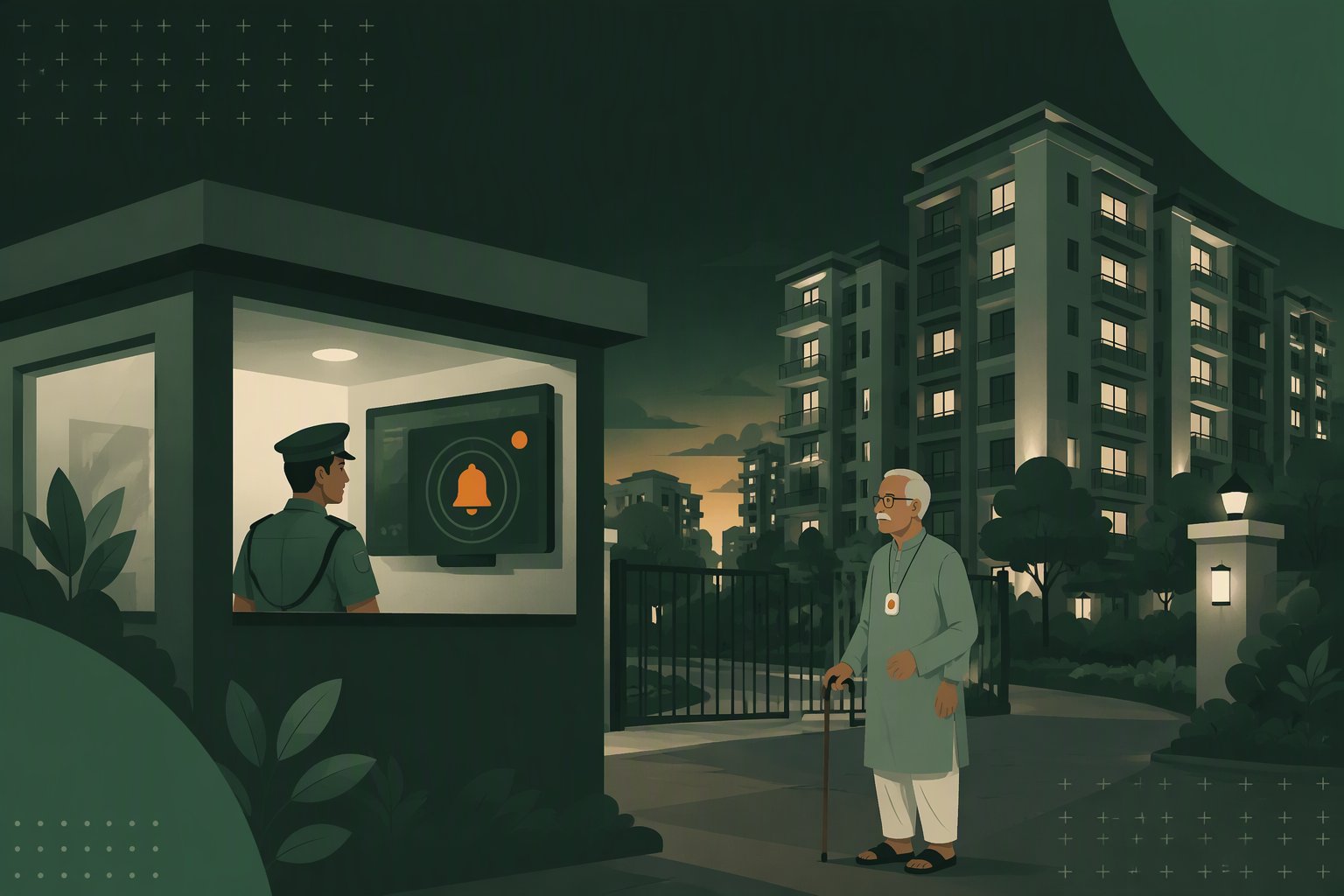
It's 2 AM. An elder in Block C has fallen, and her phone is across the room.
She cannot reach it. If she could, she would call her son — who is in another city, and may not wake. The help she needs is two hundred metres away, inside the gate.
A son is at the airport again. His mother is alone in flat 304.
If she needs help tonight, who would know — and who would reach her in the first five minutes?
The ambulance just arrived at the wrong gate.
Nobody pre-registered the right entrance, the block, or the lift. In an emergency, minutes decide outcomes.
What the committee carries today
At 2 AM, the guard calls the secretary.
One volunteer, woken at home, becomes the emergency service for two hundred flats. There is no other number to call.
Nobody has a list of who lives alone.
The committee cannot say which flats hold an elder on their own — or whom to inform if something happens to one of them.
The owners’ group is not a response system.
Forty messages, three different suggestions, and nobody actually going downstairs. Twenty minutes gone.
Guards change every few months.
Whatever the last committee explained to the last guard left with him. Nothing stays at the desk.
What changes
The first five minutes, step by step
- 0:00
The button is pressed
The personal button the resident carries, anywhere in the community — or a fixed button in a common area.
- 0:05
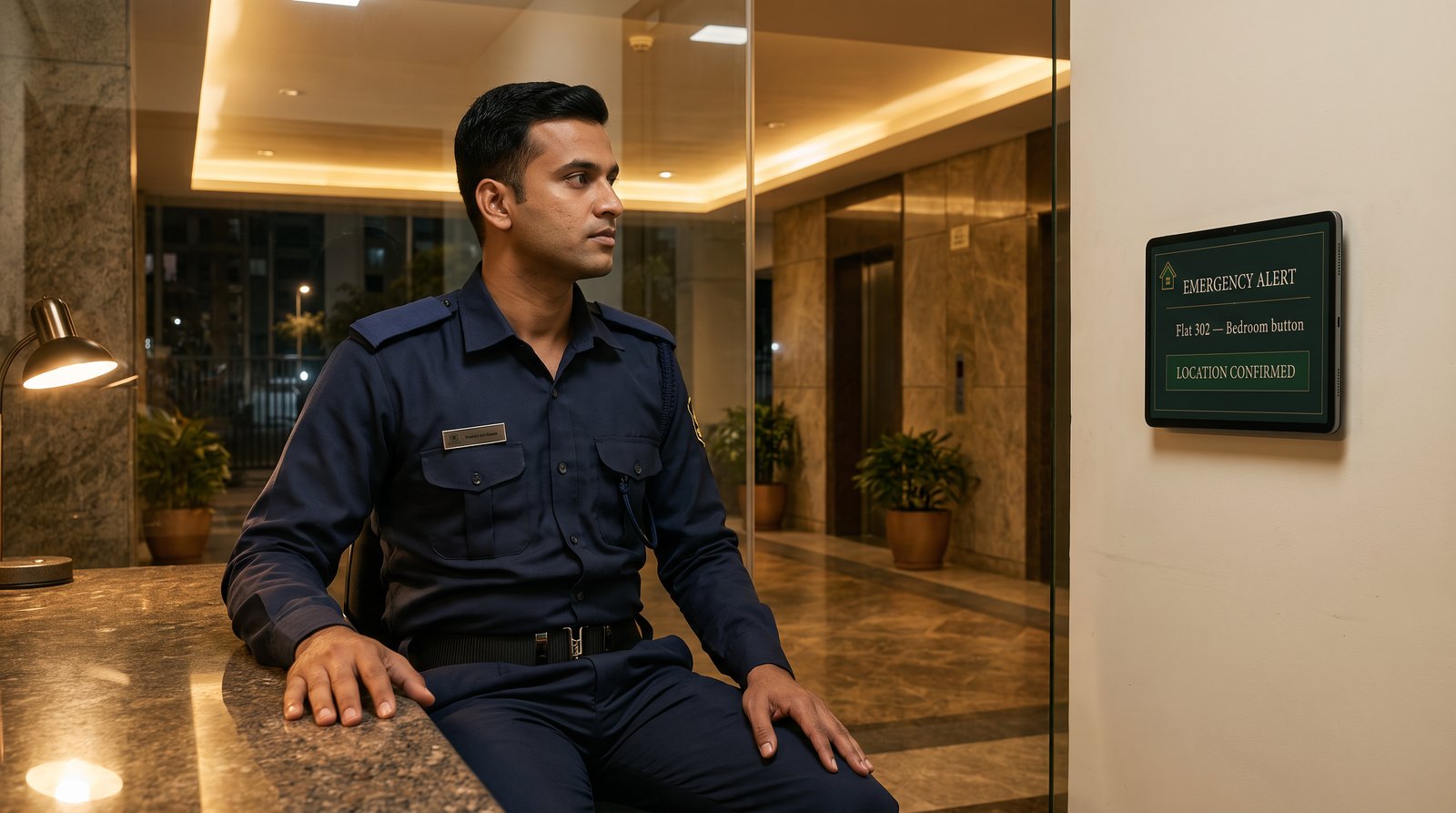
The desk screen alarms
Who pressed it, which flat, and where — typically within five seconds. The alarm sounds until a guard acknowledges it.
- Acknowledged
Someone moves, and the record starts
One tap stops the alarm and marks the alert in progress. It stays on screen until resolved — an alert being handled is never shown as all clear.
- Per your protocol
Guard, volunteer team, or both
Your committee decides who responds and in what order. The screen is the trigger; the protocol you approve is what happens next.
- In parallel
The family is notified
The contacts recorded when the button was issued are informed, so nobody has to find a number at 2 AM.
- If needed
Ambulance, with the details it always asks for
Which entrance, which block, lift access, preferred hospital — ready before the call is made.
The alarm repeats every 30 seconds until the alert is resolved, so an unacknowledged alert does not fall quiet at the desk.
What you put in place
The association owns the system
Not a service residents sign up for one by one. The community buys the equipment, we keep the software running, and the buttons go to whoever in the community needs one.
Not only for elders
The button goes to whoever needs it, for as long as they need it
The association owns the buttons and lends them out. An elder living alone keeps one. So can a daughter who has flown in to look after her father, a resident recovering from surgery, someone who is alone through the working day, a flat where the attendant does not come on Sundays. When the need passes, the button comes back and goes to the next family.
Each button is issued to a person, not left in a drawer. Their details and contacts are entered at handover, so the screen always shows who pressed it and whom to inform.
This is also the answer to the question every AGM asks. It is not equipment for twelve flats. Over a year it travels across many of them.
At the desk
What your guard sees
One screen at the security desk. No app to learn, no login to remember, no training that walks out when the agency rotates the guards.
- Typically on screen within five seconds of the press, with an audible alarm.
- Full alarm for the first ten minutes, then a chirp every 30 seconds until the alert is resolved.
- Acknowledging stops the sound but keeps the alert on screen as in progress, so the desk never shows all clear while someone is still on their way.
- The screen is held awake while the desk page is open, and every press is logged with its time and place.
For the committee
A record, not a promise
The question a committee is right to ask is not whether an emergency can be prevented. It is what the community can show about how it responded.
Said plainly
What this is — and what it is not
eCare provides the equipment, the alerting and the record that let a community respond to an emergency together. It is enabling infrastructure for a protocol your association owns and your own people run.
It is not medical care. Nobody on this system diagnoses or treats. Responders reach the person, open the way, inform the family and escalate to an ambulance.
It is not a promise of an outcome. Buttons, networks and people can fail. The protocol exists so a failure at one step is caught at the next — and so that what happened is on record either way.
It does not take over your community’s judgement. Who responds, who holds the key, who is called first — your committee decides, and it is written down before it is ever needed.
Our part is to make the response possible, fast and recorded. The care itself comes from your community.
Before your committee meeting
Questions committees ask
- We already have guards at the gate and an ambulance number on the notice board. Why do we need this?
- A number on a board helps the person who can still use a phone. An elder on the bathroom floor often cannot reach hers — and if she does, she calls her son, who may be in another city and may not wake at 2 AM. She rarely has the steadiness, or the time, to then dial a second number and explain where she is. One press reaches the people who are already inside your gate: the guard at the desk, and whoever else your protocol puts on that chain. A phone call goes to someone far away. The button goes to someone who is here.
- How would anyone get into the flat?
- The system’s job is to raise the alarm and bring people to the door within seconds. How that door opens is your community’s decision, taken with your committee during setup and written into the protocol — commonly a spare key with a nominated neighbour or the manager, a sealed key at the desk released only on authority, or a smart lock with temporary access. The screen names the local key holder for that flat when the alert is live, so nobody is phoning around at 2 AM looking for a key. We will not invent the arrangement for you, and we will not leave it unwritten.
- Will our residents’ phone numbers be sitting on a screen at the gate?
- No. The desk screen shows resident and contact details only while an alert for that flat is active — they appear with the alert and go when it is resolved. On a quiet night the screen holds nothing to browse: no directory of who lives alone, and no list of numbers to copy down. The desk carries emergency alerts only — a help request or a fall — never health information of any kind.
- Who is responsible when an emergency happens?
- The response rests with the people your protocol names — which is exactly why the protocol is agreed with your committee in advance, so nobody is working out their role in the moment. eCare is responsible for the system doing what it says: the alert raised, delivered to the desk, and recorded. What each side is responsible for commercially is set out in the service agreement, not on a web page.
- What happens if the internet, the mobile network or the power goes down?
- We will not pretend this away: every alerting system depends on a network, and the desk screen depends on the community’s internet connection and on power. That is why button type is chosen per location — a SIM button needs only mobile coverage, so a flat with weak Wi-Fi is not left exposed — and why we check coverage and the desk’s power arrangement during the site visit. Our recommendation to every community is to put the desk screen and the router on the same backup power the security desk already uses. Put simply: the power and the internet at the security desk are the community’s; the system, its upkeep and the alerting are ours.
- Does this replace our security agency?
- No. Your guards stay your guards and your agency stays your agency. What the community adds is a screen at the desk and a written protocol beside it — so the alert reaches whoever is on duty with the flat number already on it, and what happens next is the same every time instead of being improvised.
How it starts
- 1Demo at your gateTwenty minutes at the security desk. Your committee sees an alert arrive and be handled.
- 2Site visit and countWe walk the community with you: how many personal buttons are needed now, and which common areas should have a fixed one.
- 3Install, register, go liveScreen at the desk, buttons issued and registered to the people holding them, protocol agreed and posted, guards shown how it works.
Most communities start where the need is clearest and add buttons later. The screen and the protocol are the same whether there are five buttons or fifty.
Not on the committee? Send this page to your association — one resident asking is how most communities start.
What eCare supplies and supports, and what the association is responsible for, are set out in the service agreement signed with your association, read together with our terms of service.
eCare is a service operated by Solocubes Tech Private Limited